
Event registration for your homeschool group.
Post the field trip, park day, or class. Share it. Know who's coming.

Real events, open now.
Field trips, classes, and performances on Assembly right now. Anyone can register from a phone or laptop, with nothing to install.
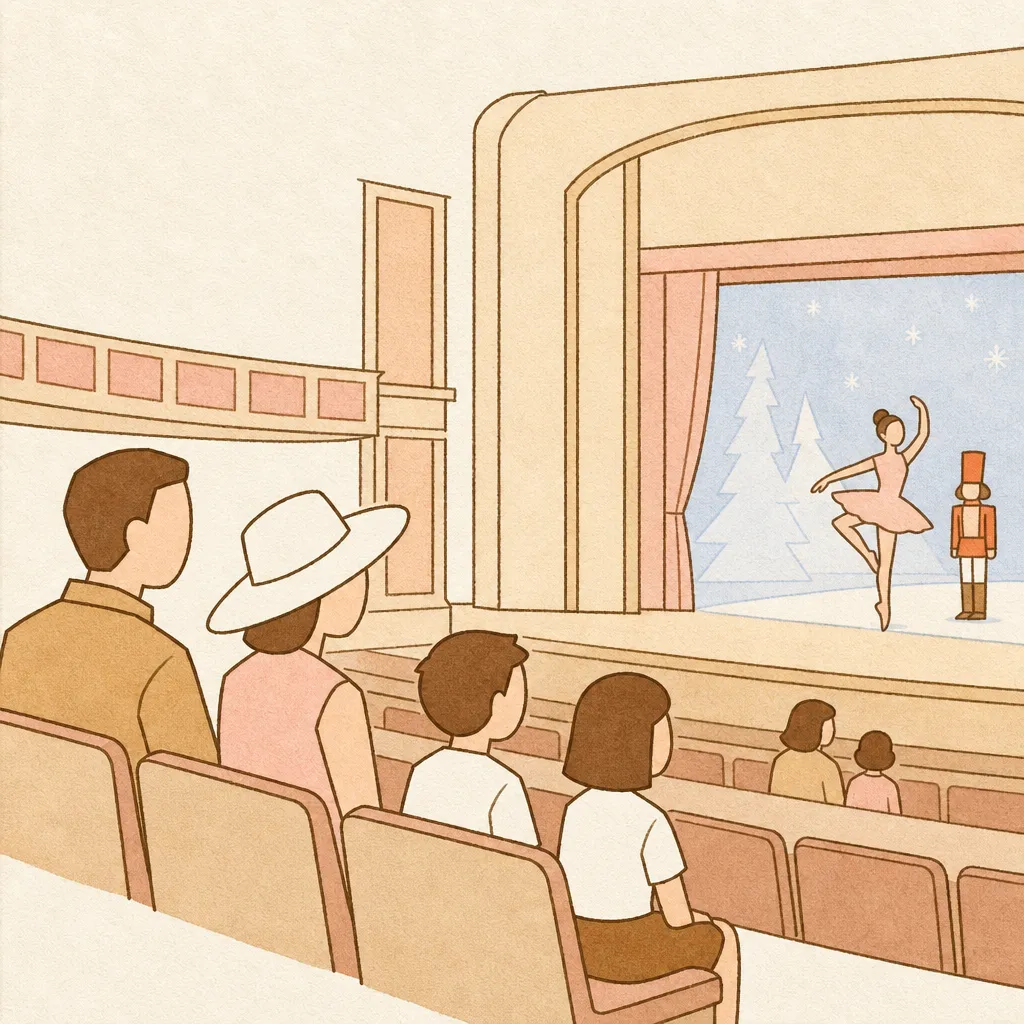 $8
Nutcracker Ballet: Student Matinee
$8 Children + Students · $12 Adults · Lap Infant free
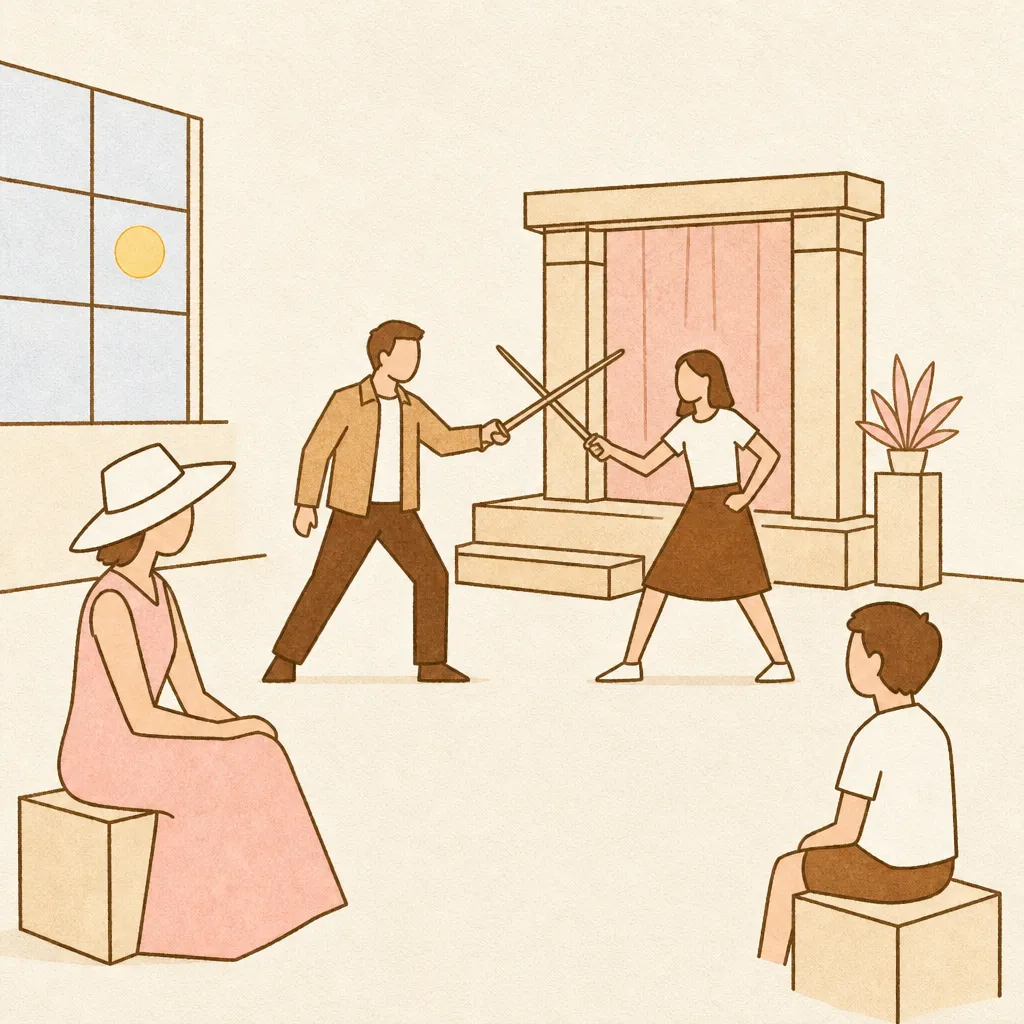 $20
Shakespearean Stage Combat + Dialogue Workshop
$20 Student - age 7+
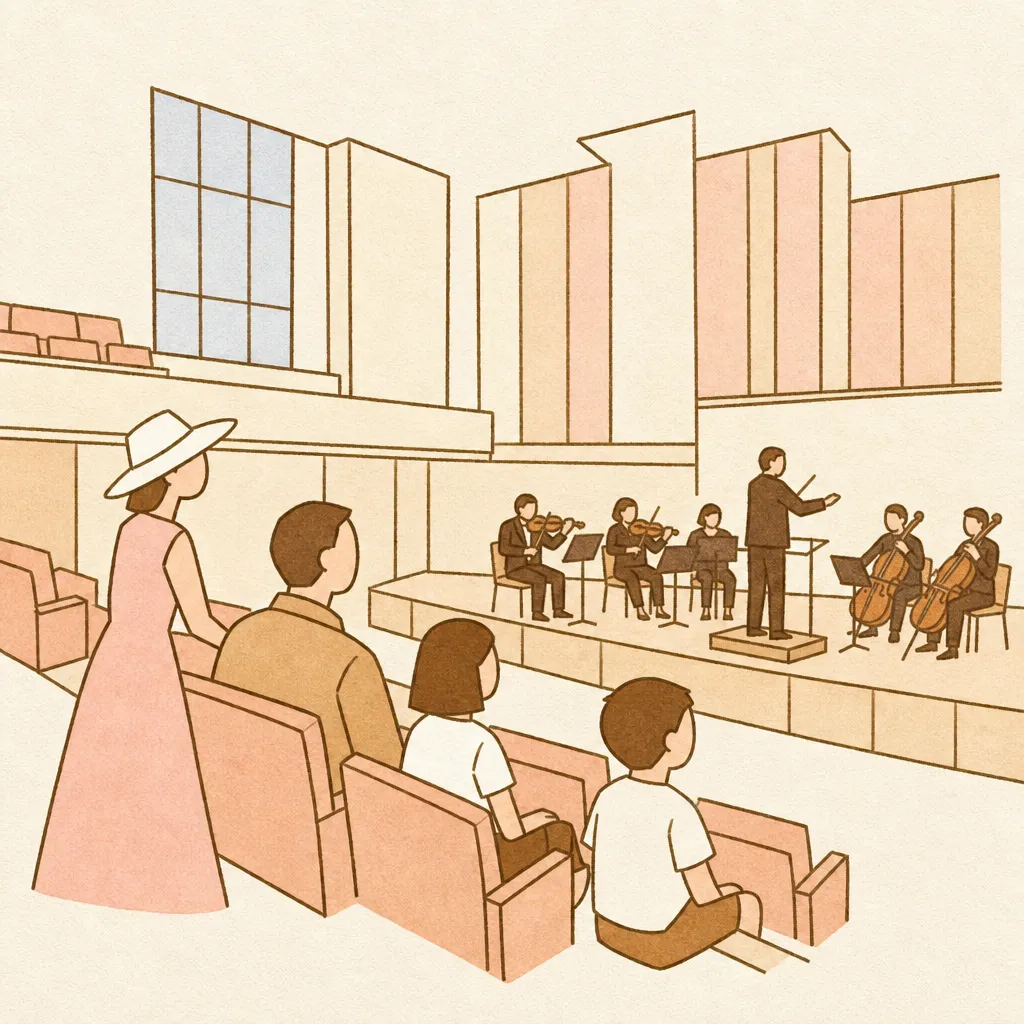 Free
Symphony for Students
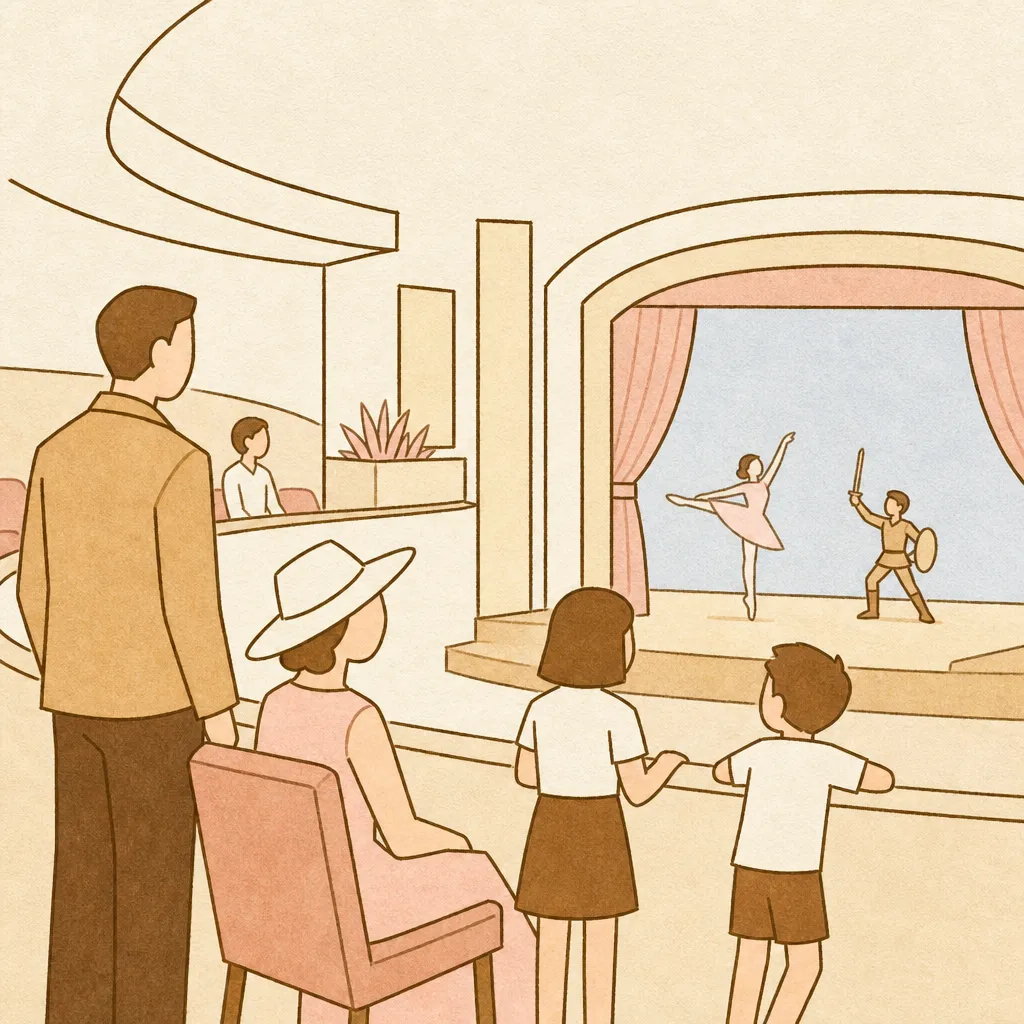 $8
Ballet AZ Student Matinee: Don Quixote
$8 Student - All Ages · $12 Adult · Lap Infant free
Hosting a field trip or class of your own?
Three steps, one link.
 Step one
Post it
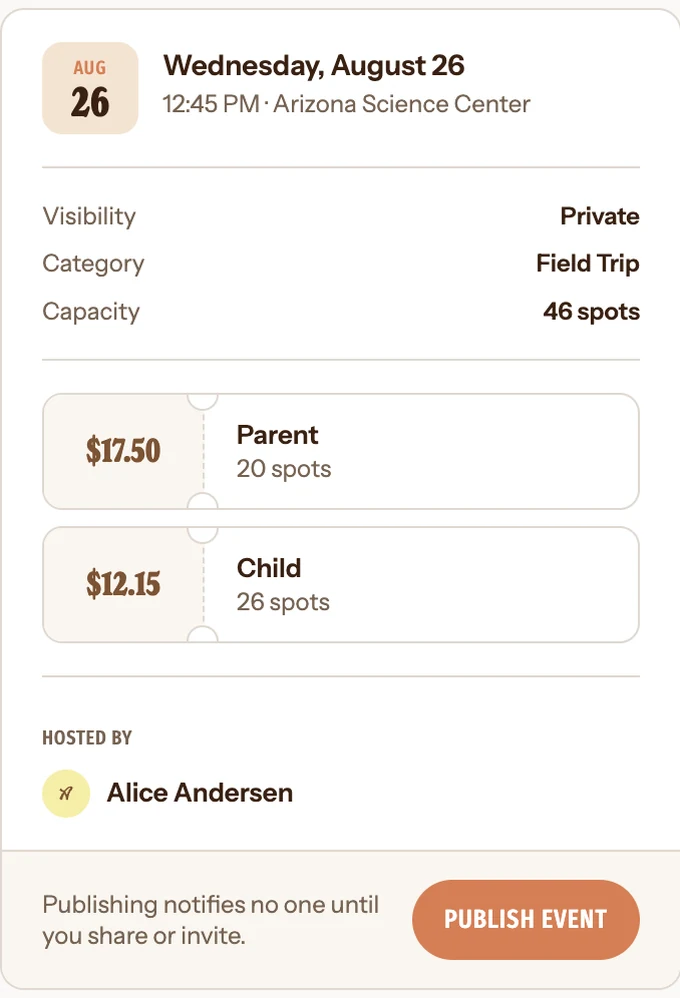
Date, place, details, and how many spots are available.
 Step two
Share it
Text it, email it, or send it to a saved group. Guests register from their phone.
 Step three
Know who's coming
Your guest list builds itself. Reminders go out on their own.
Less chasing. More field trips.
One list for every event.
Post in the group and half the replies land in comments, texts, and DMs. With one link, everyone registers in the same place and you stop counting by hand.
- One link to share anywhere
- Everyone sees how many spots are left
- Works from any phone or laptop, nothing to install
Your final count, on time.
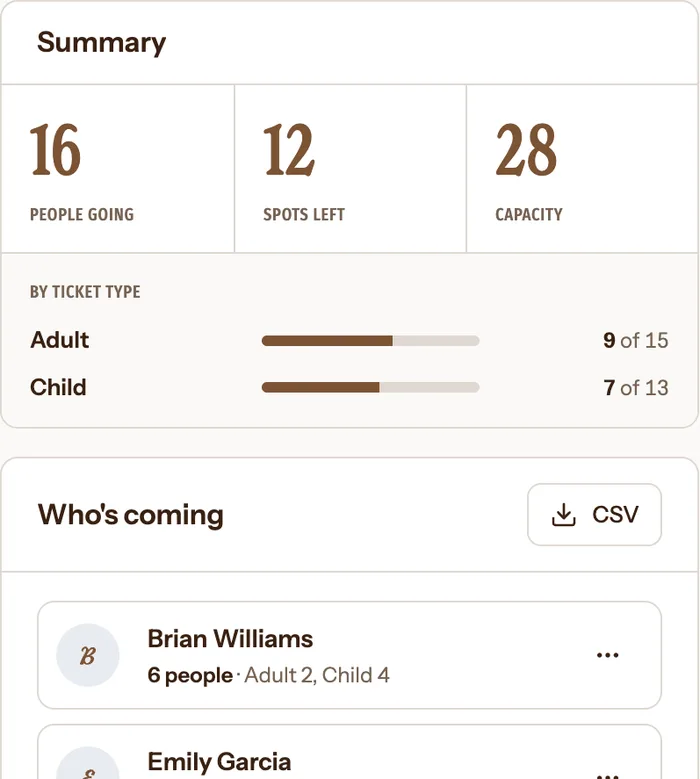
Numbers are due Friday and you're still chasing maybes. Give registration a deadline and the count takes care of itself.
- Watch registrations come in as they happen
- Cap the event so you never go over
- Download your guest list in one click
Everyone gets the details.
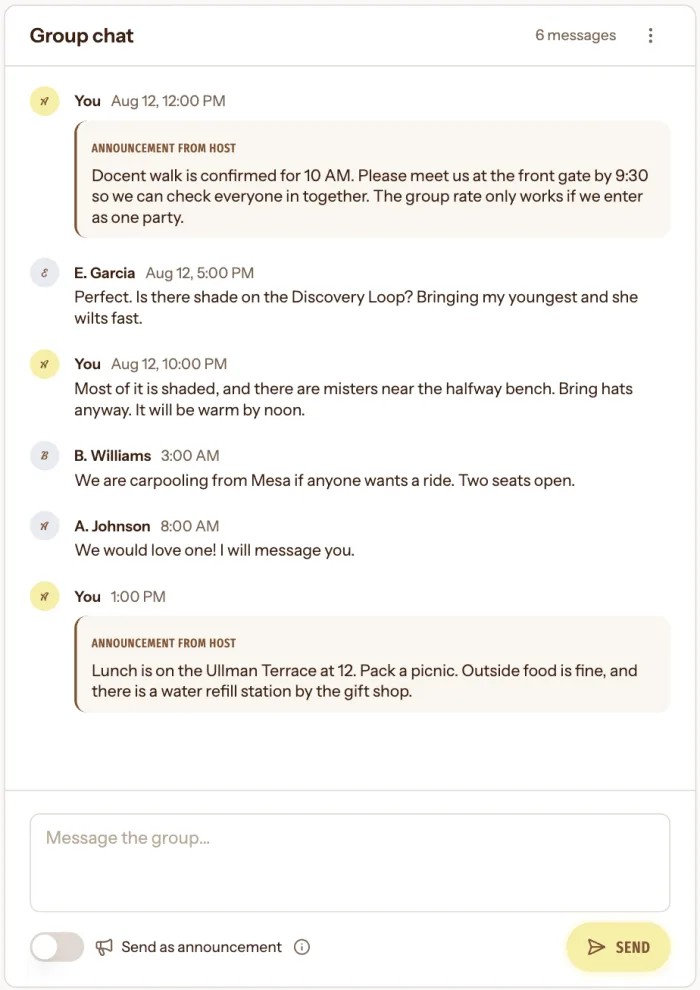
Where do we park, what do we bring, is it still on. Answer once, where everyone can see it.
- Reminders go out before the event
- Event chat and announcements for the group
- Directions and what to bring on the event page
Free to host. Free to join.
Free events are free, for you and your guests. If it's a paid event, the guest covers a small fee and you receive the full spot price. See exactly what that is.
Before your first event.
Do my guests have to download an app or make an account?
Nothing to download. Anyone with the link can view the event. Registering takes a quick account, made in the browser.
Can I keep an event private to our group?
Yes. Events are private unless you list them on Discover. Only the people you invite or share the link with can see it or register.
What does it cost?
Free events are free for everyone. If it's a paid event, the guest covers a small fee and you receive the full spot price. There is no subscription.
How long does it take to post an event?
A few minutes. Date, place, description, and how many spots are available. Save it as a draft if you're not ready, or set the day it goes live.
We're not in Phoenix. Can we use it?
Yes. Assembly works anywhere in the US. Most listings on Discover are in Phoenix today, where we started, but your link goes wherever your group meets.
Running your first field trip or class on Assembly? Tell us about it and we'll set it up with you.
Your next event, one link away.
Built by homeschooling parents in Fountain Hills, Arizona.